
Customizing Smart Home Ecosystems for Accessibility and Independent Living

Let’s be honest. The promise of a “smart home” often feels like it’s built for someone else. You know the ads: sleek interfaces, complex apps, voice commands that only work if you pronounce everything just right. But what if we flipped the script? What if the true power of this technology wasn’t about convenience for the few, but about independence for the many?
That’s the real story here. Customizing a smart home ecosystem for accessibility transforms it from a gadget-filled novelty into a powerful, personalized tool for independent living. It’s about building a space that adapts to you—not the other way around.
Beyond Voice Control: A Toolkit for Personal Autonomy
Sure, voice assistants are a great starting point. Saying “Hey Google, turn on the kitchen light” is helpful. But a truly accessible smart home digs deeper. It’s a layered system that provides multiple ways to interact, ensuring that if one method isn’t ideal for you, another one steps in. Think of it not as a single remote control, but as a whole toolbox.
Redundancy is Your Friend: Multiple Input Methods
The core principle here is choice. A robust system offers several paths to the same outcome.
- Voice Commands: The obvious one. But customization is key—creating unique, easy-to-remember phrases for complex routines.
- Touch & Tap: Large-button, tactile remotes like the Flic button or adaptive switches that can be placed anywhere. Tap once to start a “Good Morning” routine that opens blinds, starts the coffee, and reads the day’s forecast.
- Motion & Presence: Using sensors to automate tasks passively. Walk into the bathroom at night? The motion sensor triggers a low-level path light. No fumbling for switches required.
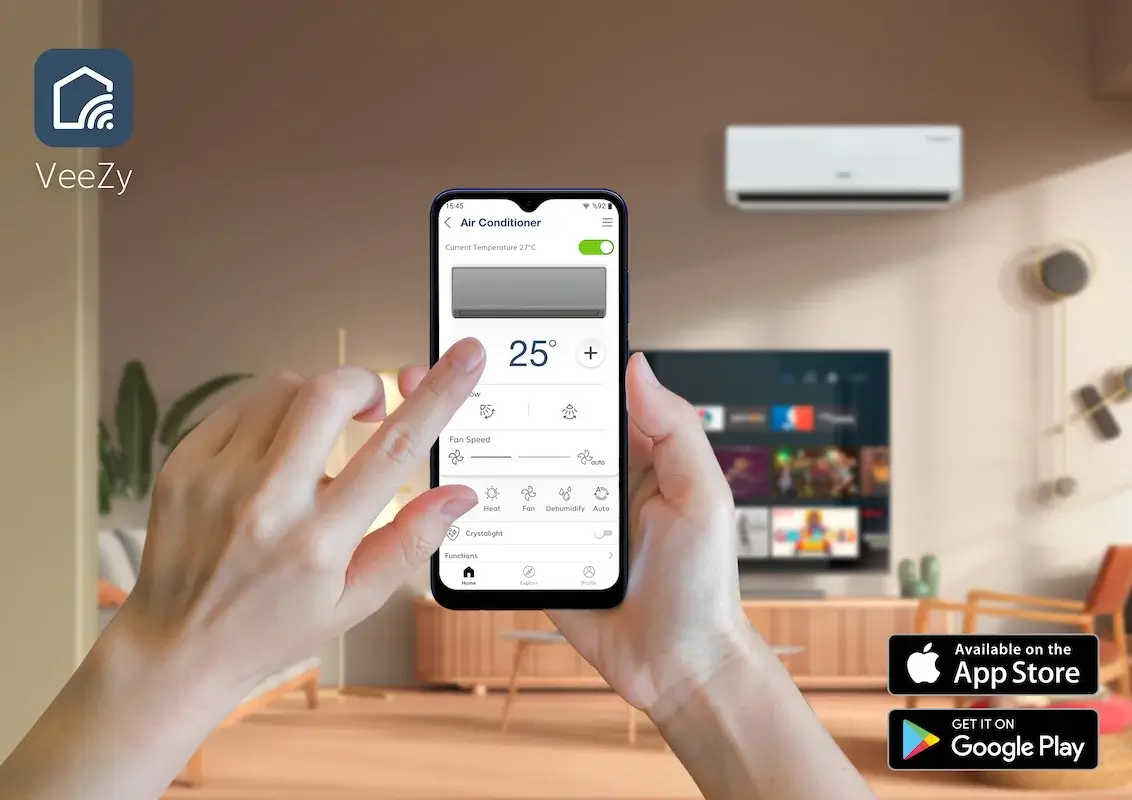
- Tablet & Smartphone Dashboards: Simplified interfaces with big, high-contrast icons. Apps like Home Assistant or Apple Home allow for highly customized dashboards that show only what you need.
Solving Real-World Challenges with Smart Home Automation
Okay, so we have the tools. But how do they translate to daily life? Let’s look at some specific pain points and how a tailored ecosystem can help.
Safety and Security, Reimagined
For many, safety is the primary concern. A customized system acts like a silent guardian.
Smart sensors on doors and windows can alert you if something is left ajar. Water leak sensors in the kitchen or bathroom can prevent major damage by shutting off the main valve automatically. And fall detection, honestly, is a game-changer. Using a combination of wearable tech (like an Apple Watch) and strategically placed motion sensors, the system can detect a potential fall and send alerts to family or emergency contacts—even turning on lights and unlocking the front door for first responders.
Daily Routines, Simplified
It’s the little things that add up. The magic happens when you chain devices together into what are called “scenes” or “routines.”
Imagine a “I’m Home” routine triggered by unlocking your smart lock. The entryway lights turn on at a specific, non-glare brightness, the thermostat adjusts to your preferred temperature, and your favorite playlist starts softly in the living room. All without lifting a finger. Or a “Bedtime” routine that locks all doors, lowers the thermostat, turns off all lights, and arms the security system—all initiated by a single voice command or the tap of a bedside button.
Building Your Ecosystem: A Practical Approach
This might feel overwhelming. Where do you even start? The key is to think small, then expand. Don’t try to automate your entire house in a weekend.
Start with a single, high-impact area. Often, that’s the bedroom or living room. Focus on lighting and a voice assistant first. Then, maybe add a smart plug for a lamp that’s hard to reach.
Choose a hub that plays well with others. Compatibility is everything. You want a central brain—like Amazon Alexa, Google Home, or Apple HomeKit—that can connect devices from different brands. This avoids getting locked into one company’s ecosystem and gives you the freedom to choose the best device for each specific need.
Here’s a quick comparison of starting points, just to give you a sense of the landscape:
| Focus Area | Sample Devices | Accessibility Benefit |
| Lighting Control | Smart bulbs, plug-in dimmers, motion sensors | Eliminates need for hard-to-reach switches; reduces fall risk at night. |
| Entry & Security | Smart lock, video doorbell, contact sensors | Keyless entry; see and speak to visitors without moving; peace of mind. |
| Daily Routines | Smart plugs, voice assistant, smart thermostat | Automates repetitive tasks; controls environment with simple commands. |
The Human Element: It’s About More Than Tech
And here’s the thing we sometimes forget in the tech specs. The most important component isn’t the gadget—it’s the person using it. Customization means listening to the individual’s specific needs, physical considerations, and even their comfort level with technology.
Maybe a family member has low vision. High-contrast physical labels next to a tactile button are just as crucial as the smart bulb it controls. Perhaps dexterity is a challenge. A large, easy-to-press button mounted on a wheelchair tray is far better than a tiny app on a phone.
The goal is to reduce cognitive load and physical strain. To create a home that feels supportive, not demanding. A home that grants a bit more energy, a bit more confidence, a bit more… freedom.
That’s the real transformation. It’s not about having the shiniest tech. It’s about quietly, reliably, getting out of the way. It’s about the small victory of a door that unlocks as you approach with groceries, or a light that turns on before you step into a dark room. It’s about building a space that doesn’t just house you, but actively cares for you. And that, in the end, is the smartest thing a home can do.

More Stories
The Ethics and User Control in Algorithmic Personalization Across Social Media
You scroll through your feed. It’s like a mirror — but a weird one. It knows you just searched for...
Curating and customizing the creator economy toolkit for niche content businesses
Let’s be honest for a second — the creator economy is loud. Like, really loud. There’s a new platform every...
The Rise of Bespoke Digital Learning Paths and Self-Directed Education Platforms
Remember the last time you tried to learn something online? You probably found a course, maybe a popular one with...
AI-Generated Art Customization: Your Home, Your Digital Canvas
Let’s be honest. Finding the perfect art for your home can be a real pain. You scroll through endless prints...
Hyper-Personalized Meal Planning with Genetic Insights: Is Your DNA the Final Diet Guide?
You know the feeling. You try a diet that works wonders for your friend, but for you? Nothing. Maybe you...
Adaptive Clothing Hacks for Accessibility and Style
Let’s be honest. Getting dressed shouldn’t be a daily obstacle course. For millions of people with disabilities, chronic pain, or...